
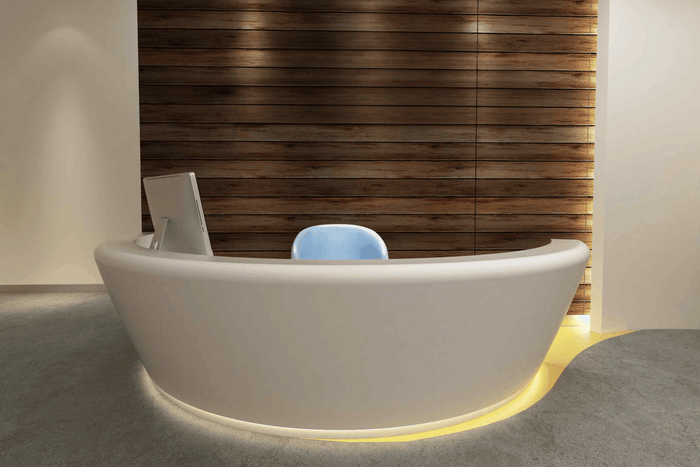
FORM REFERENCE · USE TO CONFIRM
Compare staffed counters, advisory desks and selected-device surrounds. Resolve equipment, handover and service access within the available footprint before fixing the furniture form.
Defined furniture configuration. Project-specific equipment and details.
Use a reference to begin the discussion. Confirm its actual service role and furniture scope against your operating brief.
10 source items retained. Three mismatched media sets are held; other service roles and supply scopes require confirmation.
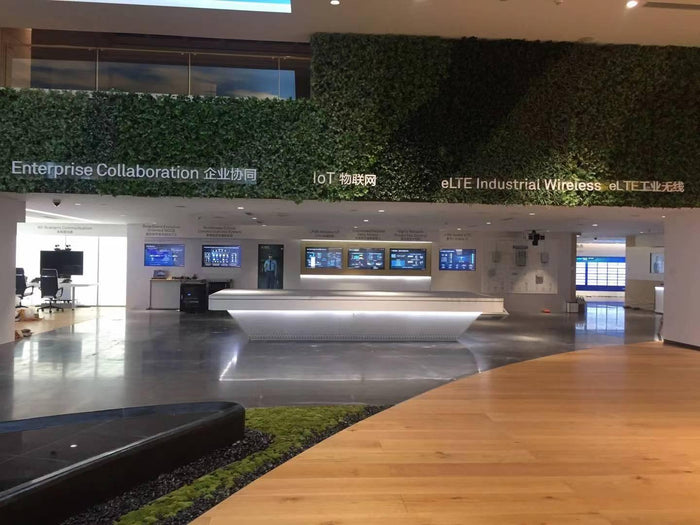
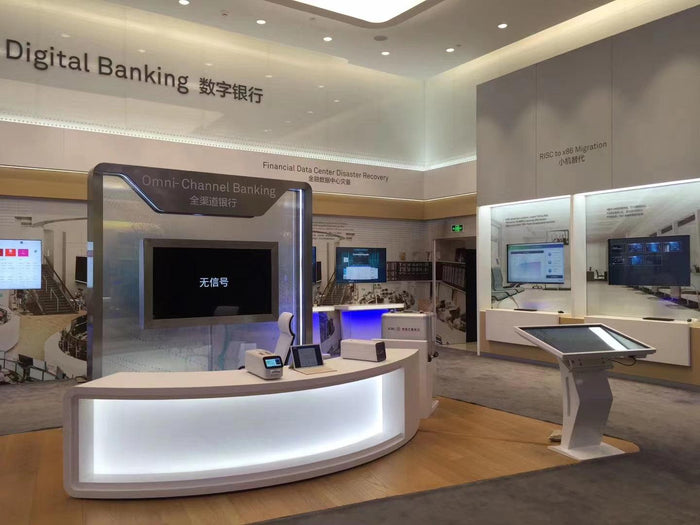
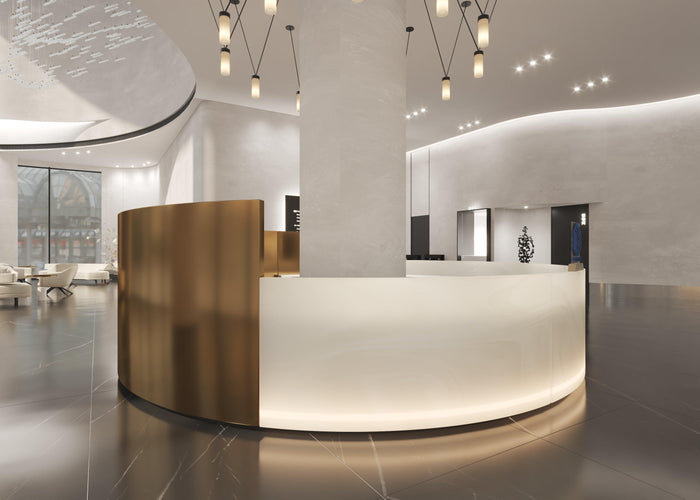
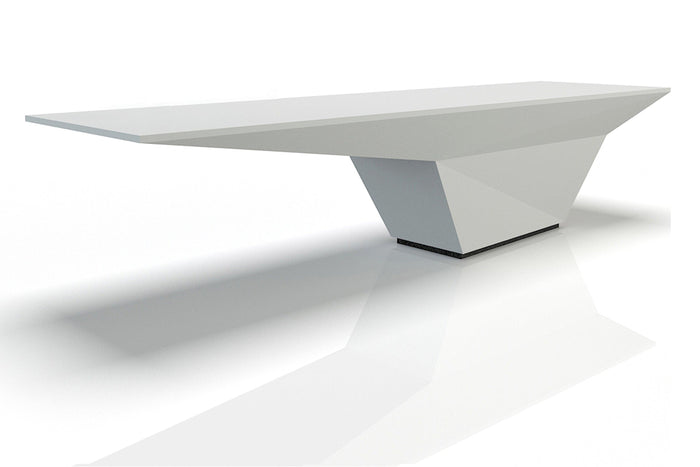
1–8 / 10
Existing catalog names are shown for review. They do not establish verified bank use, equipment compatibility or security performance. Confirm the intended service, device interfaces and specialist scope before selecting an option.
Straight or curved describes form. One position or a run describes capacity. Neither defines the device or service scope.

Define occupied staff positions, document exchange and selected devices before setting counter length.

Make the document-sharing area, screen orientation and customer approach work within the consultation setting.

Shape the furniture around the approved hardware and the route needed to connect, service and remove it.
A transaction opening, specified glazing or a lowered service section is a project requirement to resolve separately. Furniture photographs do not establish the relevant performance.
Compare the constraint as well as the appearance. Resolve the inside before fixing the outside.
| Configuration | Start here when | Resolve first · compare if constrained |
|---|---|---|
| Staffed service counter | Documents and selected devices are used at one or more staffed positions. | Overlay staff, devices, handover and opening drawers. If they compete, compare position spacing, storage location or opening direction before extending the run. |
| Seated advisory desk | The task involves seated exchange and shared information. | Plot reach and screen sightlines. If the footprint cannot support the brief, compare screen orientation, storage placement or the consultation location with the operator. |
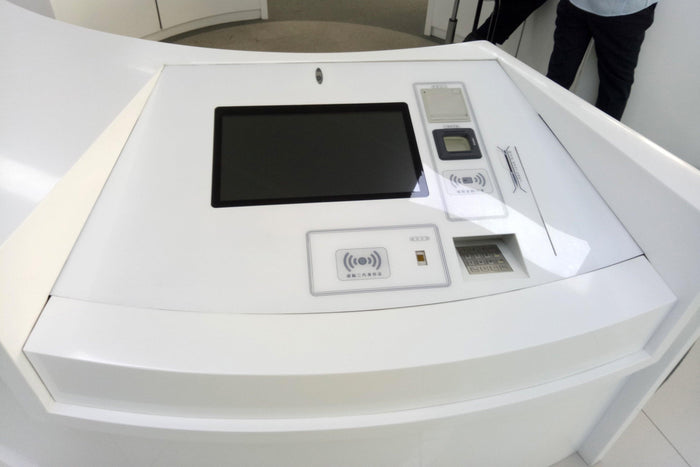
| Selected-device surround | The bank has selected hardware requiring a furniture surround. | Use its complete service envelope. If rear access is restricted, compare an approved alternative service orientation or revised furniture footprint with the device supplier. |
Check what must be used, opened and replaced while the service position is occupied.
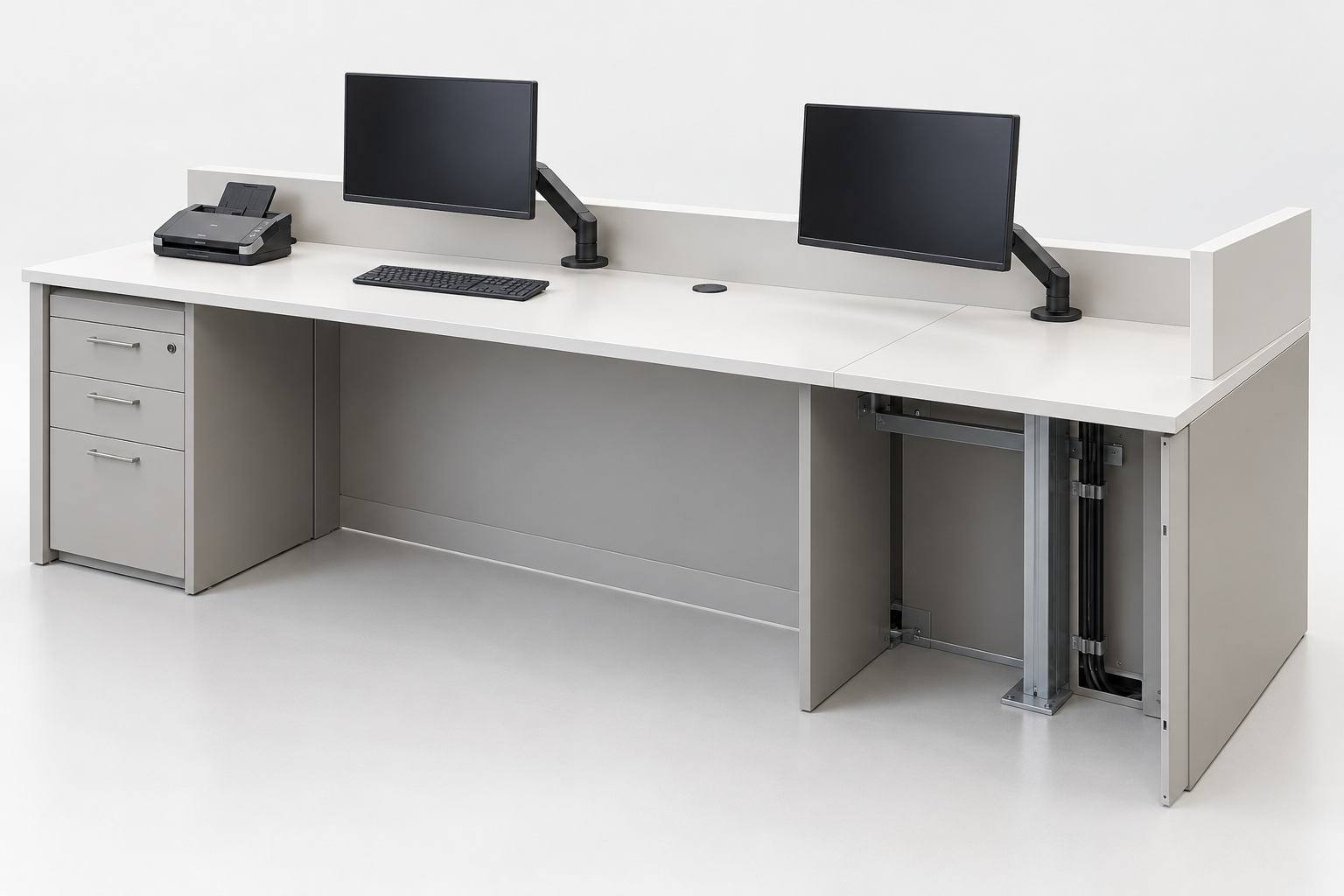
Plot the selected mount, keyboard and scanner where applicable. Keep the handover zone usable; confirm fixing and device footprints before cutting.
Allow for plugs and cable bends as well as the device body. Check that panels can be removed without blocking drawers or the equipment replacement route.
Compare joint positions with occupied staff bays and the handover area. Agree the edge and sample with the module split on the same furniture detail.
Locate the selected support around knee space, storage and device loading. A visible furniture bay does not prove compatibility with an unspecified device.
Illustrative assembly. Devices and internal construction are project-specific. YHS’s quoted furniture scope does not automatically include equipment, banking software, specialist barriers or commissioning.
A finish change may affect the edge, joint and support detail. Confirm those decisions together.
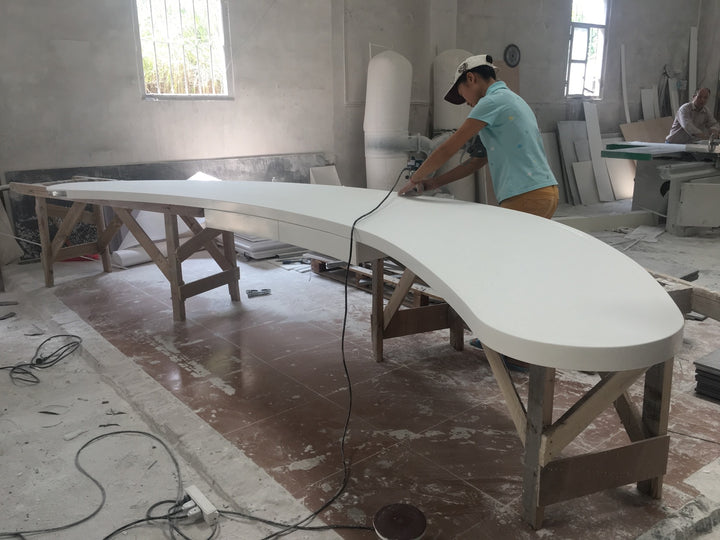
Confirm the material reference, sheen, contact edge and visible joint. Any illuminated or patterned finish requires its own detail.

Show the project-selected substrate and reinforcement. Review knee space, storage openings and equipment access together.
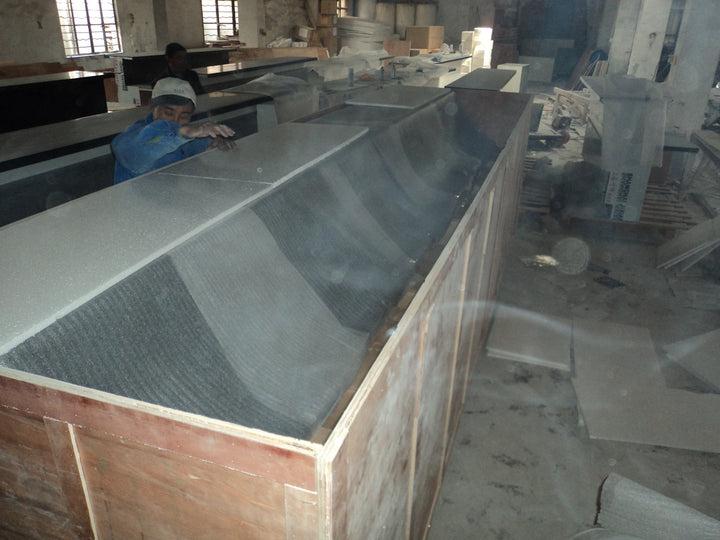
Compare packed sizes with site access, visible joints and local assembly. Agree protection for exposed edges and projecting parts.
A lower total can contain a smaller scope. Put inclusions, provisional items and exclusions beside each offer.
Counter units, selected support, fittings, access panels and agreed interface work.
Unconfirmed device details, samples, drawing work and proposed material or layout substitutions.
Packing, freight, receiving, site joints, local installation and specialist work, as quoted.
Identify equipment, software, specialist components and commissioning independently. Confirm who supplies, installs and approves each interface rather than assuming it is included with the counter.
Before production, agree the selected configuration, furniture drawing revision, finish and interface schedule. Show product-specific manufacturing evidence only when a matched record is actually available.
Bring the information you have. Mark assumptions and missing supplier details so quotation and approval can address the same scope.
Identify the furniture reference and the task it must support. A photograph does not define the full specification.
Position count, target footprint and known device models; mark dimensions and interfaces still open.
Samples or design references; name any required glazing, hardware or equipment supplier.
Receiving floor, access limits, module connections and the proposed installation scope.
Approved footprint, positions, equipment and opening spaces.
Device inputs, furniture details and selected sample.
Included work, exclusions, module split and site responsibility.
Record any branch, device or detail difference before repeating the configuration.
Send the reference, quantity and available dimensions. Include selected devices and access conditions so the furniture scope can be reviewed against your branch brief.